STEP 1. Visit our website at svfcenter.org.
In keeping with AA’s singleness of purpose, you cannot become a member via the Saddleback Valley Fellowship Group’s website. You must visit the Saddleback Valley Fellowship Center’s website.
STEP 2. There are two links that will take you to the Membership Registration page:
1. The highlighted link below can be found at the top of every page:
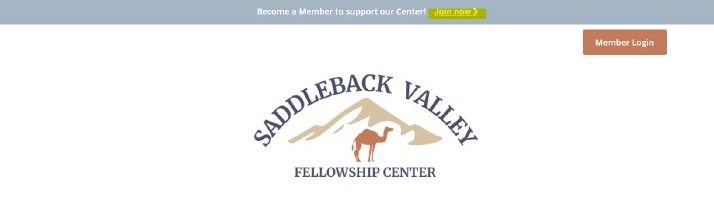
2. The orange button in the section below, which can be found at the bottom of the Home page and Membership page:
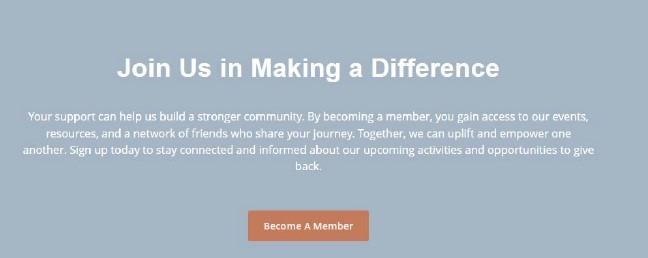
STEP 3. Clicking on either of the above links will take you to the Membership Registration page. Please select your membership type, fill out your Member Profile, select your Payment Option, enter your Payment Details, and provide the Billing Name and Address.
STEP 4. Once you have successfully registered as a member, you will receive an email from membership@svfcenter.org with your login details and instructions on how to set your password.
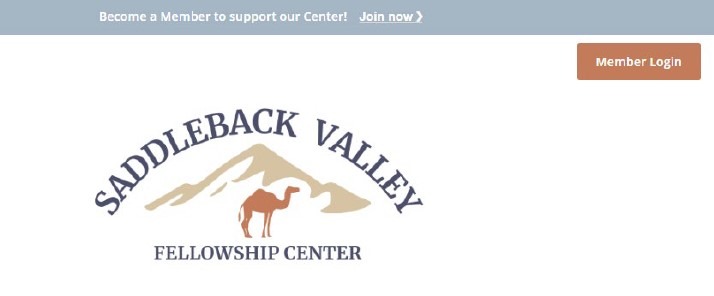
This password will be used to login and make changes to your account and membership. You can log in to make these changes by clicking the orange “Member Login” button at the top of every page:
Questions? Email membership@svfcenter.org or contact Kaylea V.